© Ujjawal Solanki | All Rights Reserved



I am Ujjawal Solanki, a dedicated software developer with expertise in full-stack development, React applications, and Node.js backend services. I create innovative, scalable, and user-friendly web applications.
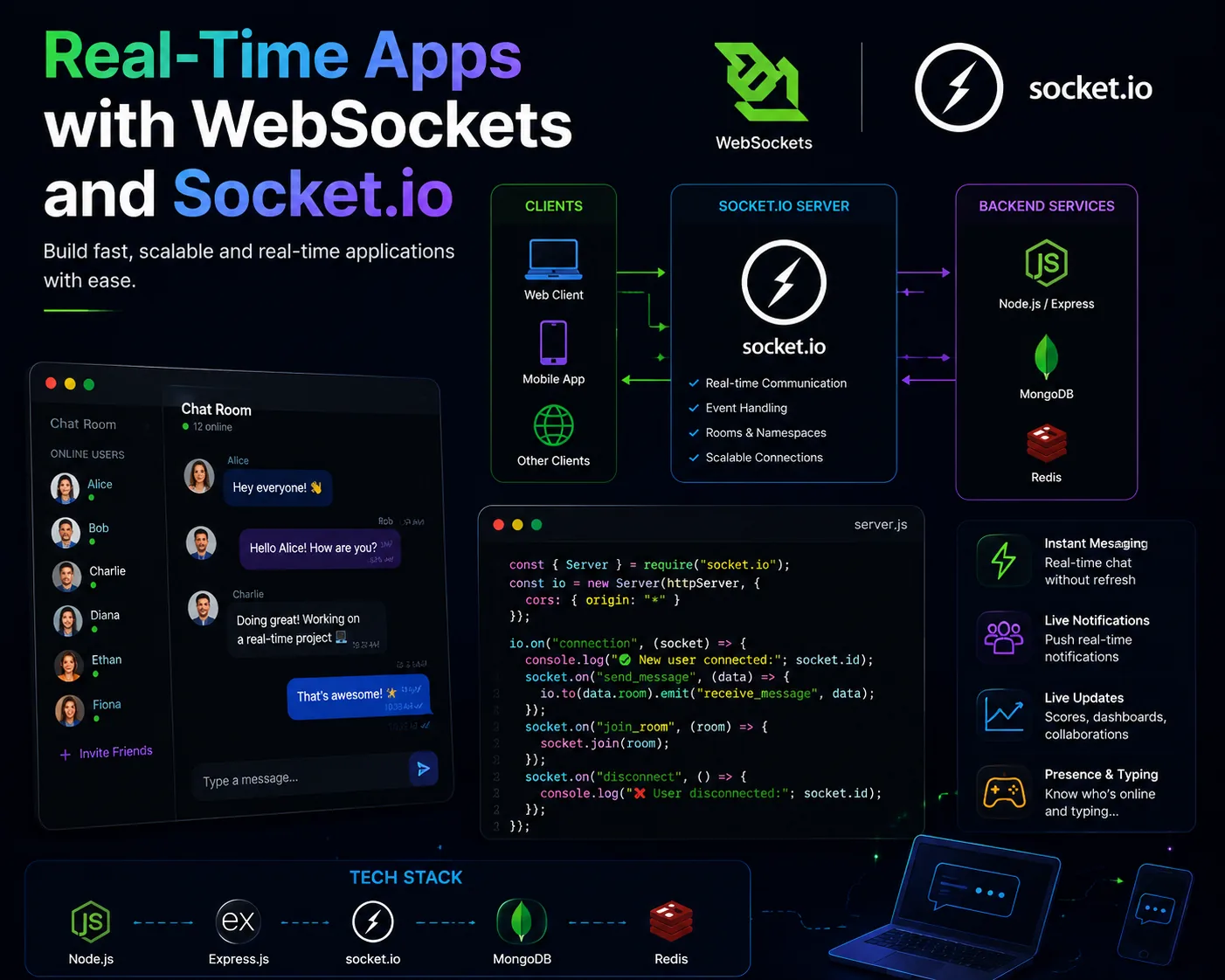
My first attempt at a real-time experience was not real-time at all. It was polite panic dressed up as polling. Every few seconds the frontend knocked on the server and asked if anything had changed.
At low traffic, it looked acceptable. At slightly higher traffic, it felt wasteful and delayed at the same time, which is somehow the worst of both worlds.
That frustration is what finally pushed me to learn WebSockets. Not because I wanted advanced architecture points. Because I wanted the app to stop faking immediacy.
I wanted message updates, presence status, typing indicators, and notifications. Polling made all of them feel slightly late and oddly expensive.
The server kept answering the same question even when nothing had happened. Users still waited for the next interval to see new information.
If the frontend constantly asks “anything new?” you are paying for delay and duplication at the same time.
WebSockets became less intimidating once I stopped thinking about them as exotic infrastructure. A socket connection is just a conversation that stays open.
The client connects once. The server can push events when needed. The UI reacts immediately instead of checking on a timer.
I keep the real-time entry point obvious. One place accepts connections, authenticates if needed, and registers the core events.
const httpServer = createServer(app);
const io = new Server(httpServer, {
  cors: { origin: process.env.CLIENT_URL }
});

io.on('connection', (socket) => {
  console.log('socket connected', socket.id);
});Rooms are what made Socket.io finally click for me. A chat room, project room, or private user channel gives structure to event delivery.
io.on('connection', (socket) => {
  socket.on('join-room', (roomId) => {
    socket.join(roomId);
  });
});At first I tried pushing giant objects just because I already had them. Smaller event payloads are easier to debug, cheaper to move, and clearer to version.
socket.on('message:create', async (payload) => {
  const message = await saveMessage(payload);
  io.to(payload.roomId).emit('message:created', message);
});The frontend should have a clear place where incoming events update state. If different components each attach listeners loosely, duplicate events and stale closures show up fast.
useEffect(() => {
  socket.emit('join-room', roomId);

  function handleMessage(message) {
    setMessages((prev) => [...prev, message]);
  }

  socket.on('message:created', handleMessage);
  return () => socket.off('message:created', handleMessage);
}, [roomId]);This was the part tutorials often skipped. Real users lose network for a moment, close tabs, open new tabs, or reconnect after the backend restarts.
A production-ready real-time feature needs to rejoin rooms and recover gracefully instead of assuming one perfect connection.
Real-time systems feel magical to users only when they are mechanically boring behind the scenes.
Once I switched from polling to WebSockets, the app stopped feeling like it was checking for life and started feeling alive. That difference is bigger than performance. It changes how the product feels in people’s hands.
If this helped you, save it for later. And if you are stuck on a MERN feature, you can always reach out to me.
© Ujjawal Solanki | All Rights Reserved